

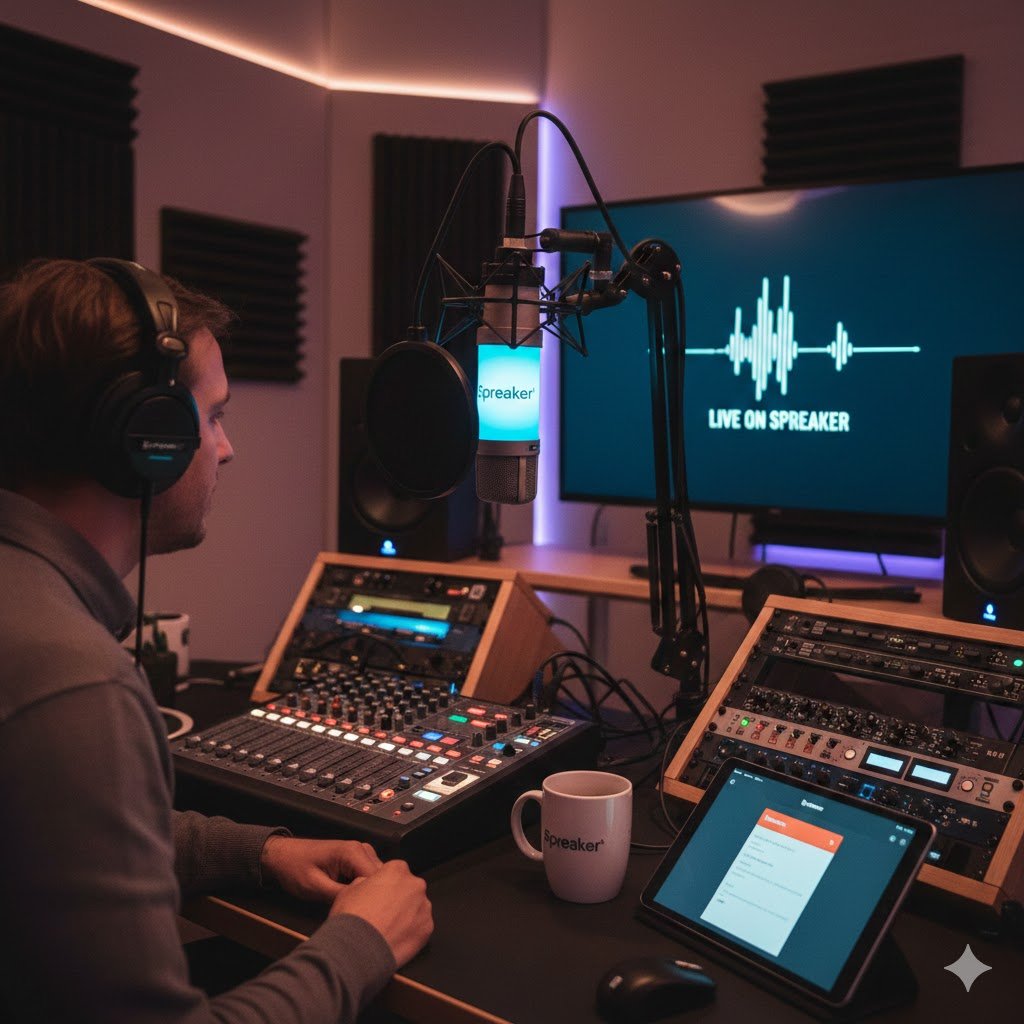
Podcasting has become one of the most popular ways to share ideas, grow an audience, and monetize content online. With the surge in popularity, choosing the right podcast hosting platform is critical for creators. One platform that has gained attention in recent years is Spreaker. In this guide, we’ll dive into everything you need to know about Spreaker—from features, pricing, and setup to monetization and comparisons with other platforms like Spotify.
What is Spreaker?
Spreaker is a podcast hosting platform designed for both beginner and professional podcasters. It allows users to record, publish, distribute, and monetize their podcasts in a single platform. Spreaker provides tools to manage podcast episodes, track analytics, and grow your audience across major listening platforms.
Key highlights of Spreaker include:
- User-friendly dashboard for beginners
- Integrated recording tools for studio-quality sound
- Distribution network to platforms like Apple Podcasts, Spotify, and Google Podcasts
- Monetization options for ad revenue and sponsorships
Why Choose Spreaker for Podcast Hosting?
Choosing the right hosting platform can make a significant difference in your podcast’s growth. Here are reasons why Spreaker podcast hosting is popular:
Beginner-Friendly Interface
Spreaker’s dashboard is intuitive and straightforward, allowing new podcasters to upload and publish episodes without technical knowledge.
Full Podcast Management
From recording to analytics, Spreaker handles the entire podcasting workflow:
- Recording directly from your device
- Adding intros, outros, and background music
- Scheduling episode releases
Distribution Made Easy
Spreaker automatically distributes your podcast to major platforms such as:
- Apple Podcasts
- Spotify
- Google Podcasts
- Stitcher
Monetization Opportunities
Spreaker provides ways to earn revenue from your content, including:
- Ad insertion through the Spreaker Monetization program
- Premium subscription content for paying listeners
How to Use Spreaker: Step-by-Step Guide
If you’re a beginner, here’s a detailed guide on how to use it to start your podcast:
Steps 1: Sign Up and Choose a Plan
- Visit Spreaker’s website
- Create an account using your email or social login
- Select a pricing plan based on your needs (we’ll cover plans in detail below)
Step 2: Set Up Your Podcast
- Click Create New Podcast
- Enter your podcast name, description, and category
- Upload a cover image that meets podcast specifications (minimum 1400 x 1400 pixels)
Steps 3: Record or Upload Episodes
- Use the it Studio app to record episodes directly
- Alternatively, upload pre-recorded audio files in MP3 format
- Add titles, descriptions, and tags for SEO and discoverability
Step 4: Publish and Distribute
- Schedule a release date or publish immediately
- it will distribute your podcast to major platforms automatically
- Share your podcast RSS feed on social media or your website
Steped 5: Track Analytics
- Monitor listener demographics, downloads, and trends
- Use analytics to optimize episode topics and release times
Spreaker Podcast Monetization Options
Monetizing your podcast can turn your passion into a revenue stream. it offers several options for creators:
1. Dynamic Ad Insertion
- Insert pre-roll, mid-roll, or post-roll ads in episodes
- Revenue is shared based on listener engagement
2. Premium Content
- Offer exclusive episodes or early access to paying subscribers
- Great for building a loyal community
3. Sponsorship Deals
- Partner with brands for sponsored content
- it provides tools to track ad performance and revenue
4. Listener Donations
- Accept donations from fans via integrations like Patreon
- Encourage audience support for consistent income
Spreaker Pricing Plans
it offers multiple pricing tiers suitable for different podcasters:
| Plan | Monthly Cost | Features |
|---|---|---|
| Free | $0 | Limited episodes, basic analytics, 5-hour audio storage |
| On-Air Talent | $6/month | Unlimited episodes, basic monetization, 100 hours storage |
| Broadcaster | $18/month | Advanced analytics, monetization, 500 hours storage |
| Anchorman | $50/month | Premium support, priority distribution, unlimited storage |
Tip: Beginners often start with the Free or On-Air Talent plan and upgrade as their audience grows.
Spreaker vs Spotify for Podcasters: A Comparison
Many beginners wonder whether to choose it or Spotify for Podcasters. Here’s a detailed comparison:
| Feature | Spreaker | Spotify for Podcasters |
|---|---|---|
| Recording Tool | Yes, via Spreaker Studio | No |
| Distribution | Automatic to multiple platforms | Spotify only |
| Monetization Options | Ads, subscriptions, sponsorships | Ads and listener support only |
| Analytics | Advanced listener data | Basic analytics |
| Free Plan | Yes | Yes |
| Ideal For | Beginners to professionals | Spotify-focused podcasters |
Conclusion: it is more comprehensive for full podcast management, while Spotify is suitable if you focus primarily on their platform.
Tips for Beginners Using Spreaker
To make the most out ofit, follow these tips:
- Plan your content ahead of recording to ensure consistency
- Use high-quality microphones for better audio
- Add engaging show notes with keywords to boost discoverability
- Promote your episodes on social media and newsletters
- Regularly review analytics to adjust content strategy
Frequently Asked Questions (FAQs)
What is Spreaker?
itis a podcast hosting platform that allows users to record, publish, and monetize podcasts while distributing them to major listening platforms.
Can I use Spreaker for free?
Yes, Spreaker offers a free plan with limited storage and features, suitable for beginners.
How does Spreaker compare to Spotify for Podcasters?
Spreaker provides a full podcast workflow including recording, distribution, and monetization, while Spotify focuses mainly on hosting and streaming within its ecosystem.
How can I monetize my podcast on Spreaker?
You can monetize through ad insertion, premium subscriptions, sponsorships, and listener donations.
Is Spreaker beginner-friendly?
Yes, the platform is designed for both beginners and professionals with intuitive tools and step-by-step guidance.
Conclusion
Spreaker stands out as a versatile, beginner-friendly podcast hosting platform that supports creators through every stage of podcasting. Whether you’re looking to record episodes, distribute content across platforms, or monetize your audience,it offers a complete solution.
For beginners, Spreaker’s intuitive dashboard, flexible pricing plans, and monetization options make it an excellent choice. Even for seasoned podcasters, the platform’s advanced analytics and distribution features can help grow and sustain an audience.
By understanding how to use it, leverage its monetization tools, and compare it to competitors like Spotify, creators can confidently launch, manage, and profit from their podcasts.
